RPG MAKER MV - Simple World Map
PROJECT IS DOWNLOADABLE BELOW, AT THE BOTTOM!
CONTROLS
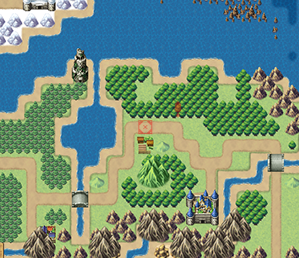
Hold M to display the world map
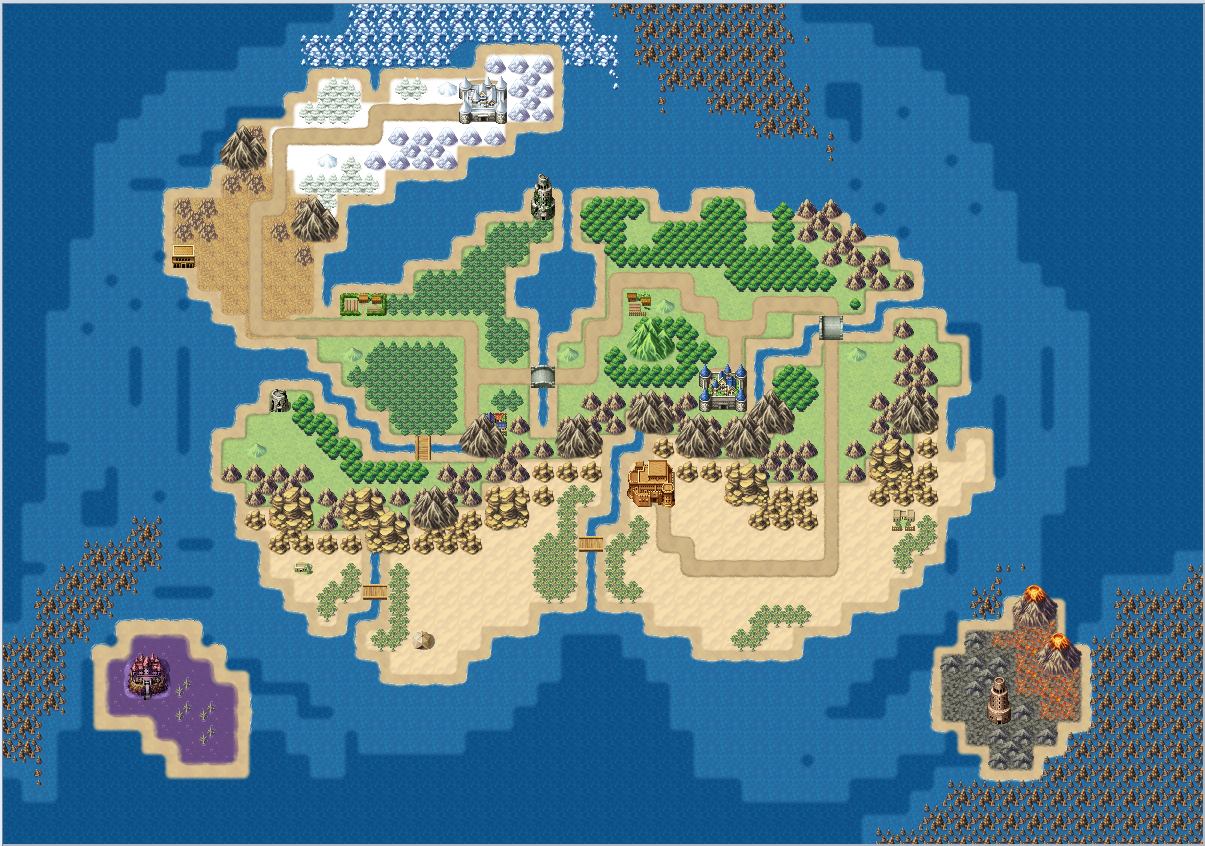
Uses a reference world map (ID 2) for positioning
QUEST MARKER
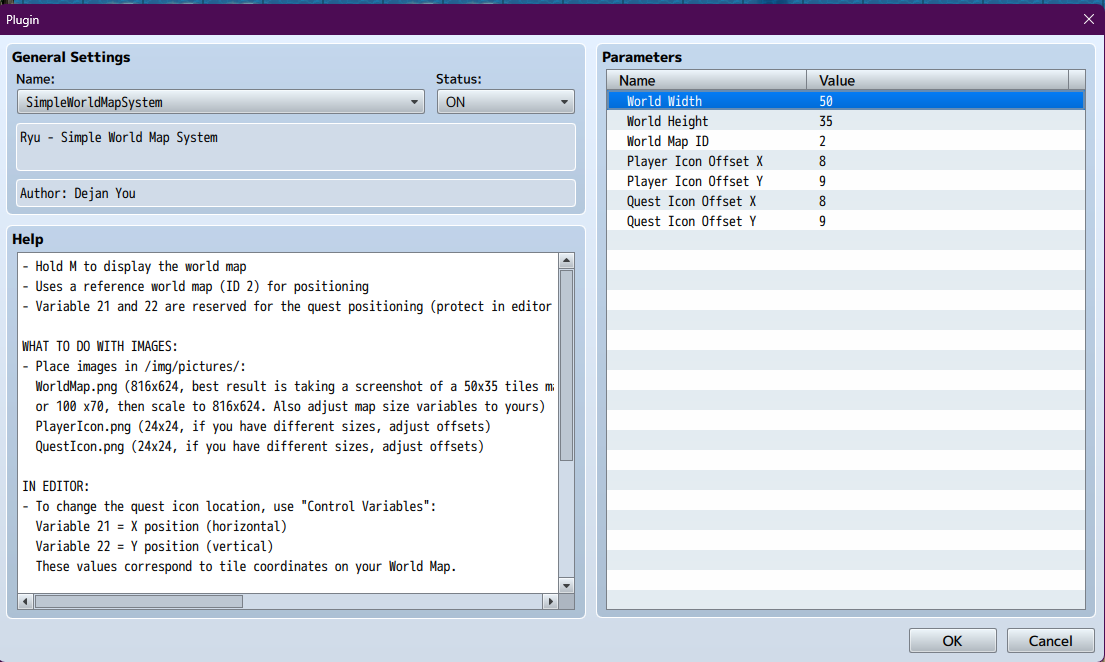
Variables 21 and 22 are reserved for quest positioning (protect them in your editor)
REQUIRED IMAGES
Make sure the following images are in /img/pictures/
-WorldMap.png (816x624 recommended)
Best results: take a screenshot of a 50x35 or 100x70 tile map, then scale to 816x624
Make sure to match the World Width and Height plugin settings to your map
-PlayerIcon.png (24x24 recommended, adjust offsets if different size)
-QuestIcon.png (24x24 recommended, adjust offsets if different size)
IN EDITOR
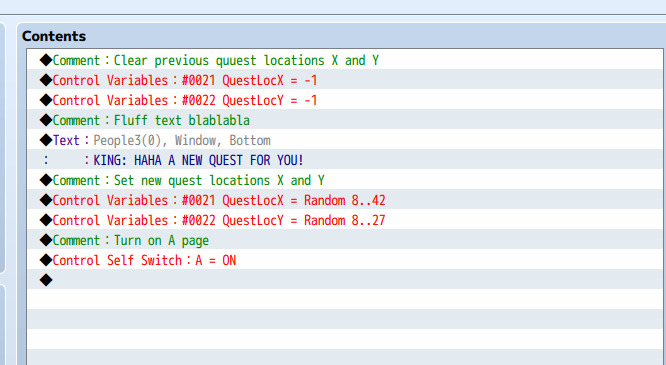
To change the quest icon location, use Control Variables
Variable 21 = X position (horizontal)
Variable 22 = Y position (vertical)
Values correspond to tile coordinates on your World Map
Set both variables to -1 (X) and -1 (Y) (This is to hide the Quest Icon)
LEGAL
Free for use in any RPG Maker project (commercial and non-commercial)
You may modify this plugin for your own use
You may share and distribute this plugin freely
Do NOT sell this plugin by itself
CREDIT
Credit is appreciated but NOT required
Please do not credit me in projects centered on or containing modern real-world political, ideological, or controversial social themes
Download
Click download now to get access to the following files:
Leave a comment
Log in with itch.io to leave a comment.